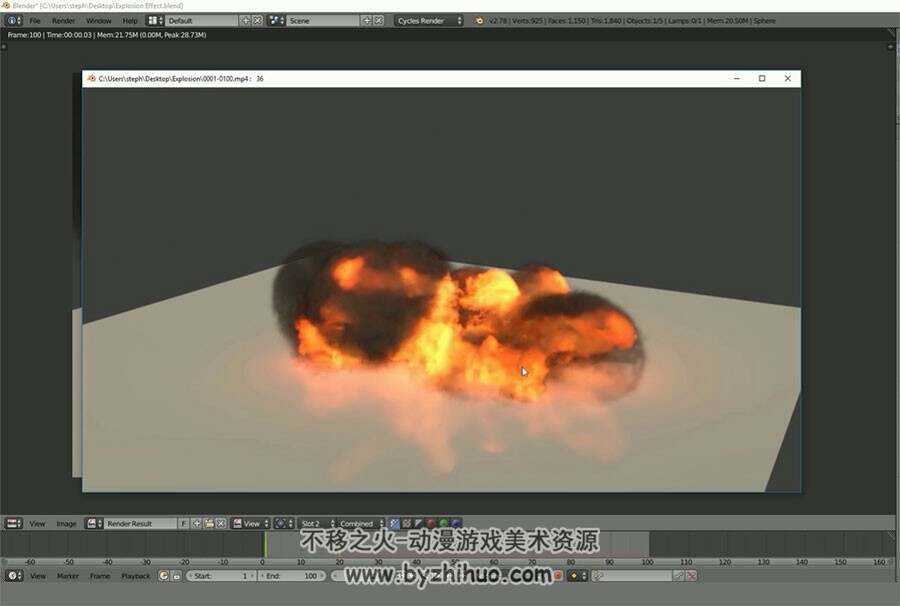
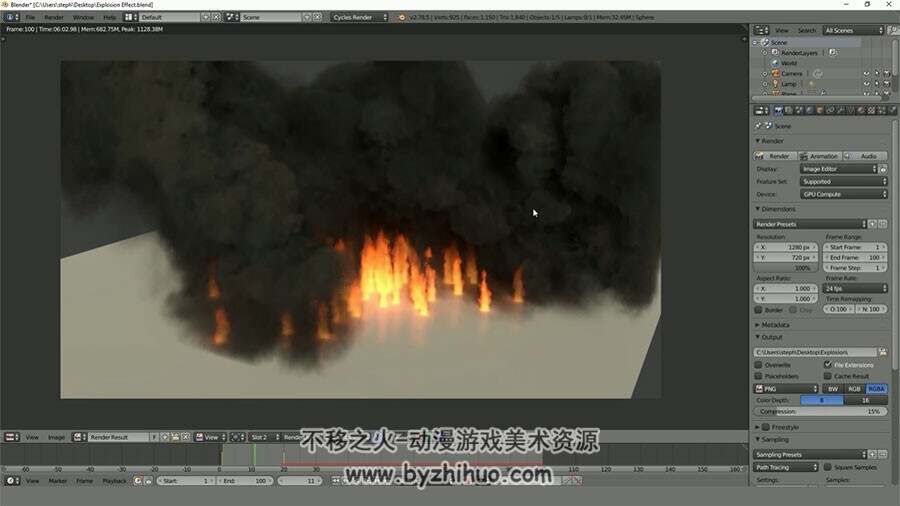
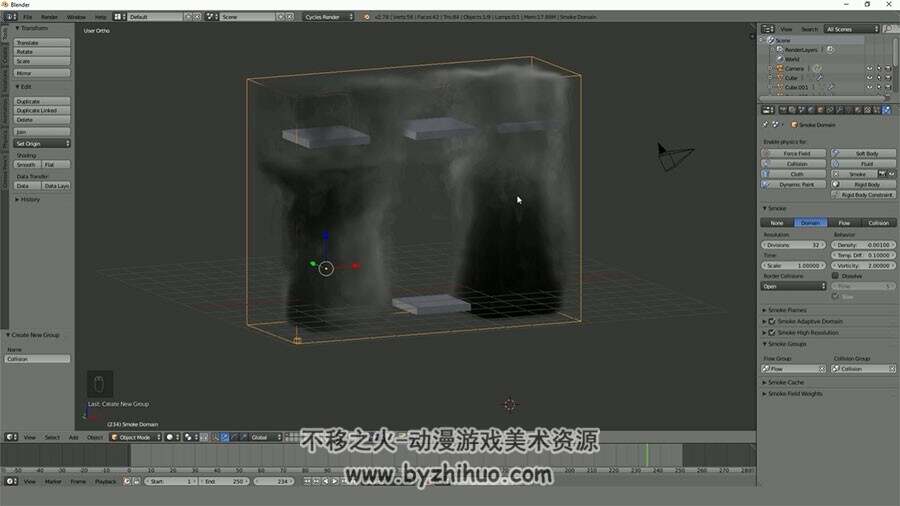
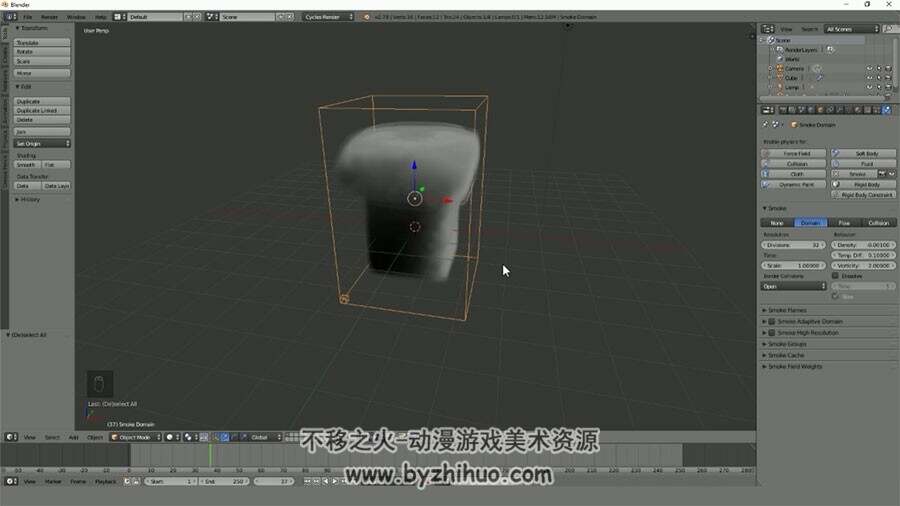
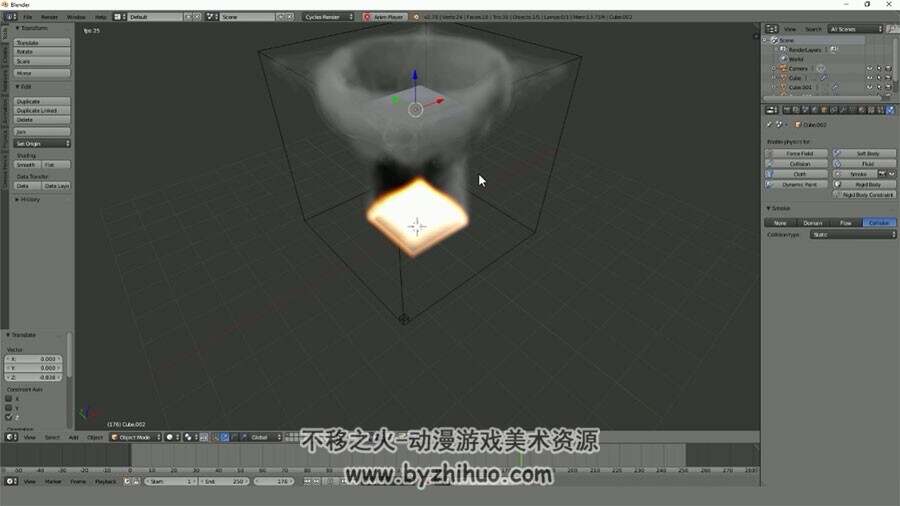
After we have gone through the settings and what each one of them do we will be creating 3 different scenes and animations using the smoke and fire simulation. The first one is a smoke animation. In this tutorial we create a swirly smoke effect using a curve.
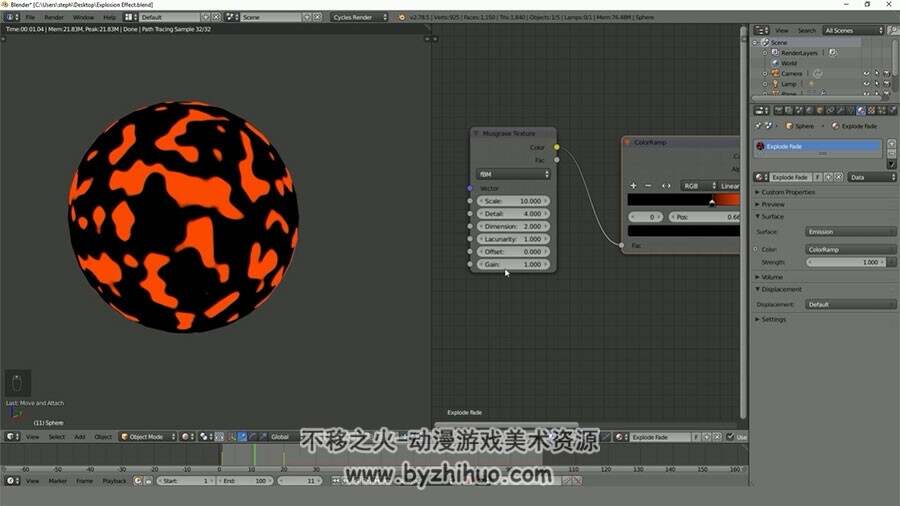
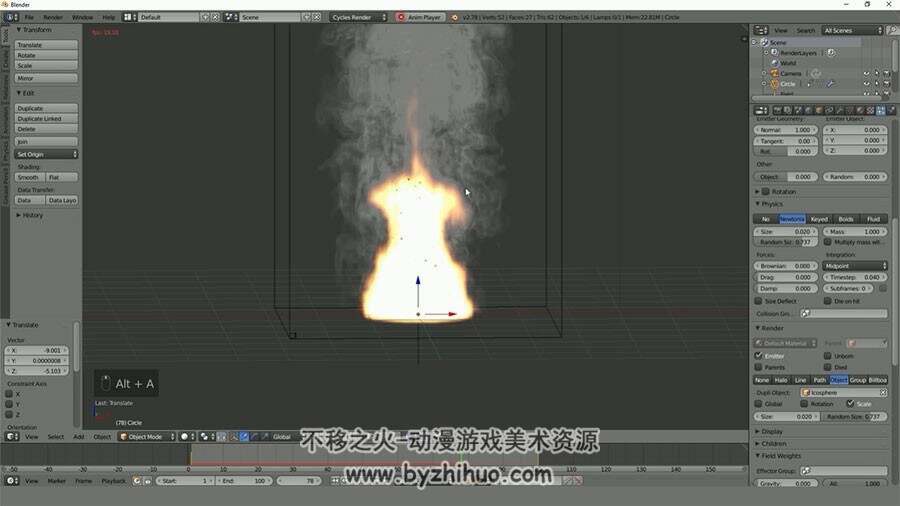
The second tutorial is an explosion. Everyone likes watching explosions so we use Blender to create our own explosion effect using the fire simulation! And finally the third tutorial will be low poly fire. This one we don’t use the fire simulation but a particle system and a fancy material to get a really awesome effect. If you are wanting to learn more about Blender’s Smoke and Fire Simulation or if you just want to improve your skills in Blender this course is for you!
游客,如果您要查看本帖隐藏内容请回复