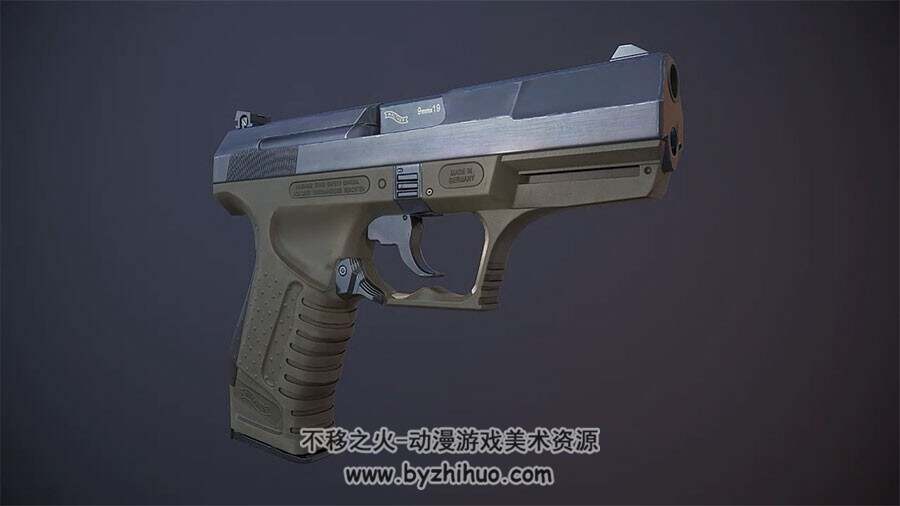
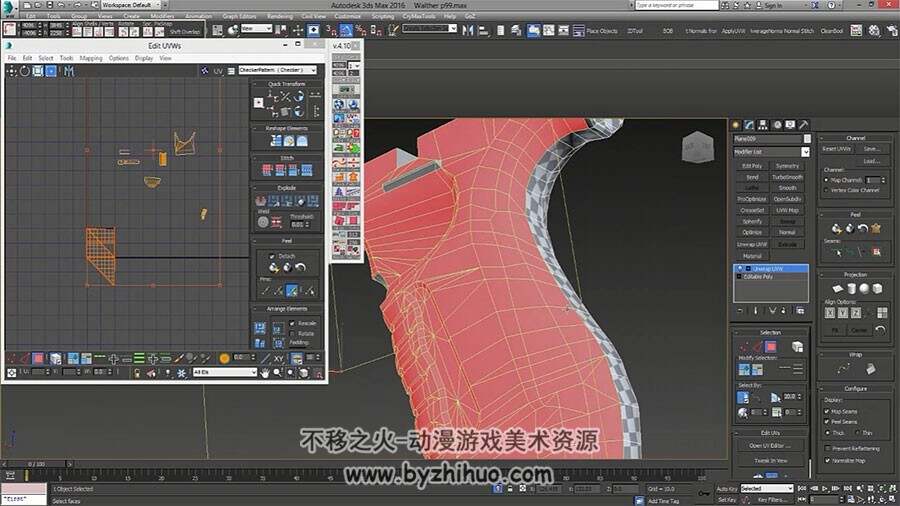
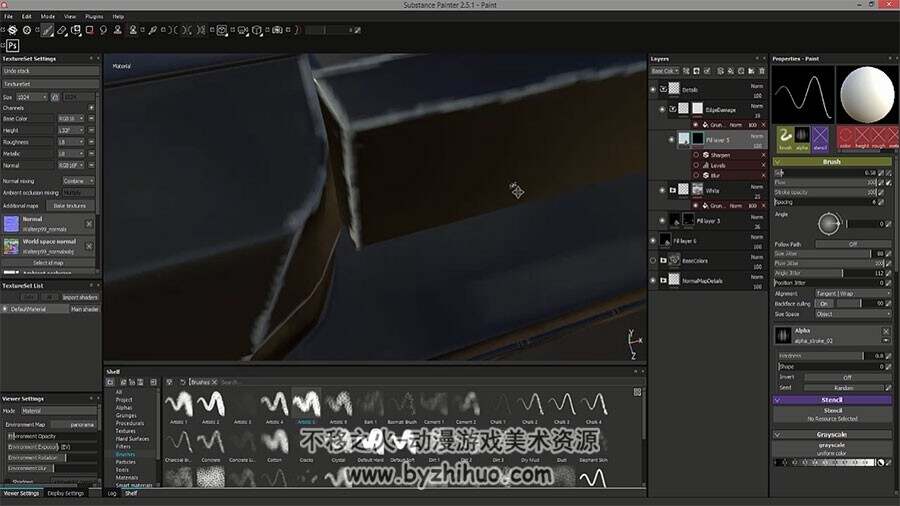
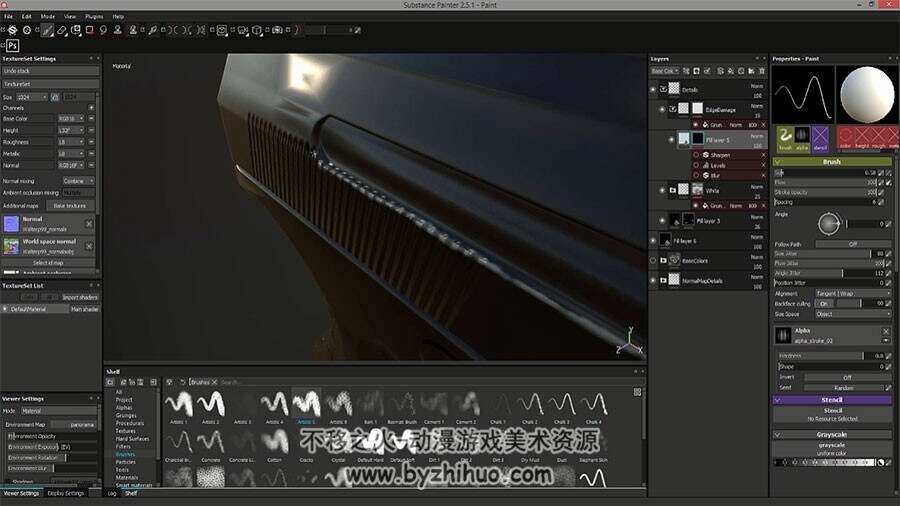
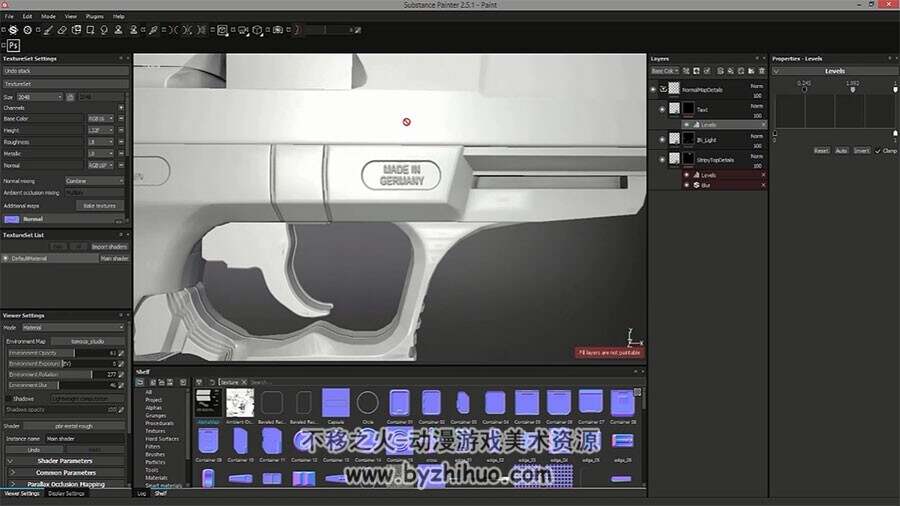
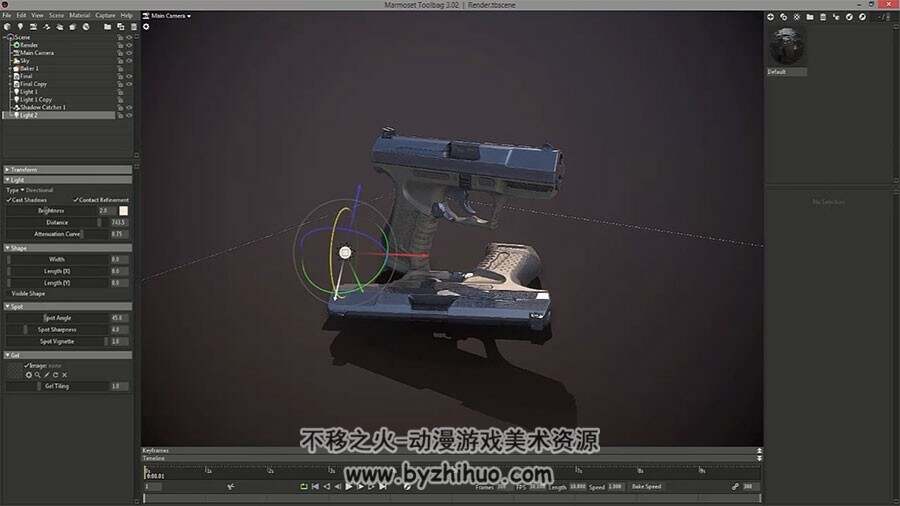
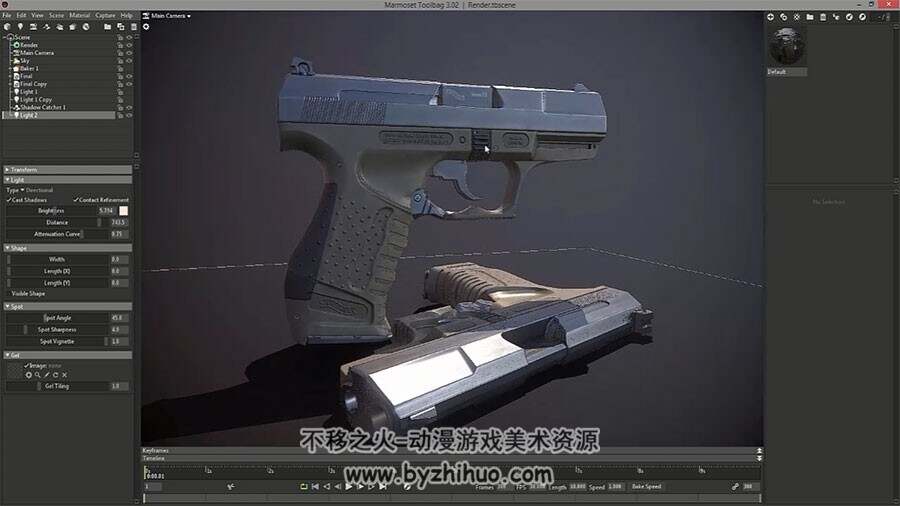
In Texturing thew Walther P99 we will continue where we left off. So we now have our high poly and our low poly and in this tutorial we will go over on how to properly unwrap our gun and utilize the most space so that we have the highest resolution possible. After that we will set-up our scene ready for making in marmoset and export all our models.Then we will move to marmoset toolbag 3 and start by baking all our texture maps and fix any baking bugs. After that we will move into substance painter where we will set-up our scene and start adding more normal map details like screws,text etc.. Once that is done and it is looking good we will create the base colors of our gun and go over on how to archive good material definition. Then we will first start working on the top of our gun, setting up color changes, edge scratches and overall dirtiness. When everything is looking good we will move the the base of our gun which is made of an different material so we will also need to add different details to that. We will be mostly adding things like edge highlights, dirt, roughness changes and more. Finally when we are happy with our texture we will set-up a nice scene in marmoset toolbag 3 and present the gun at portfolio quality.
 常见形态
常见形态